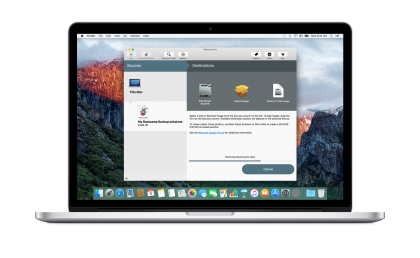
Thanks to Twocanoes Software for sponsoring The Loop this week. If you are upgrading to High Sierra and have a Boot Camp partition, check out Winclone 6. Winclone 6 is the ideal Mac App for backing up your Boot Camp partition. You spent a ton of time getting your Windows setup just right, and Winclone makes sure that you can always get back to that same setup. Winclone creates a exact clone of your Boot Camp partition, including all Windows system files, applications, and data. If you have a failed update, bad drive, or ransomware attack in Windows, you just restore your Winclone backup and you are back up and running.
Maintaining a stable Boot Camp environment is crucial for Mac users who rely on Windows-only programs that lack native macOS support. Whether your system is specifically partitioned to run legacy enterprise software, secure portals for the fastest payout online casinos, or extensive PC gaming libraries, the last thing you want is to rebuild those custom setups from scratch after an unexpected crash.
Get 50% off Winclone 6 with code WCLOOPHS through Sept 30th.