
I’ve been traveling with a backpack full of electronics for more years than I care to remember, but with Apple’s recent offerings, things are getting a whole lot easier.
[ad#Google Adsense 300×250 in story]In years past, I would back a bag with a camera, maybe a video camera, phone, and a 17- or 15-inch MacBook (or PowerBook, if you remember those). To say that made for a heavy bag and a sore back would be an understatement — and that was just going through the airport.
After days of walking around a tradeshow or lugging everything to endless meetings, my back was ready to call it quits.
Last month, I went to Anaheim for the anual NAMM music show, but I packed a little different. Instead of lugging around all of those heavy electronics, I took an iPhone, iPad and a MacBook Air.
Here’s how I used them.
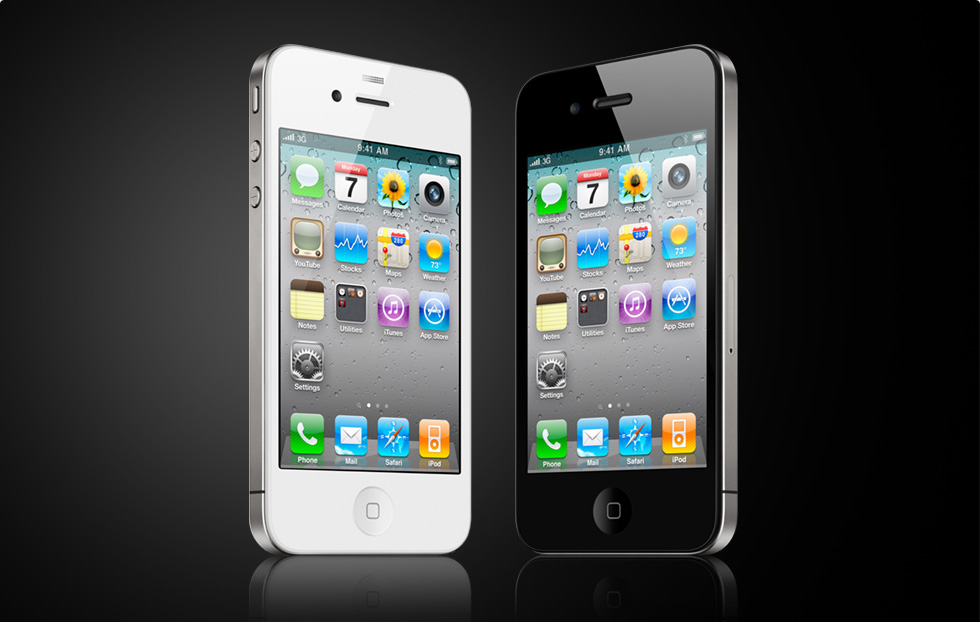 The iPhone was my always-on checking email on the show floor device. I could easier check my schedule for upcoming meetings, add meetings when I needed to, and generally keep in touch with people.
Of course, the iPhone was also used to make calls, text and find where companies were located on the show floor using the NAMM iPhone app.
This year, the iPhone also took the camera and video camera duties as well. For the Web, the iPhone’s camera gives me everything I need, so there is no sense packing extra gear for nothing.
With its GPS capabilities and sheer number of apps available for it, the iPhone helped me find restaurants, shopping and pretty much everything else I needed while on the trip.
While I have written stories on the iPhone in the past, it’s certainly not the best device to write on. That’s where the iPad came in.
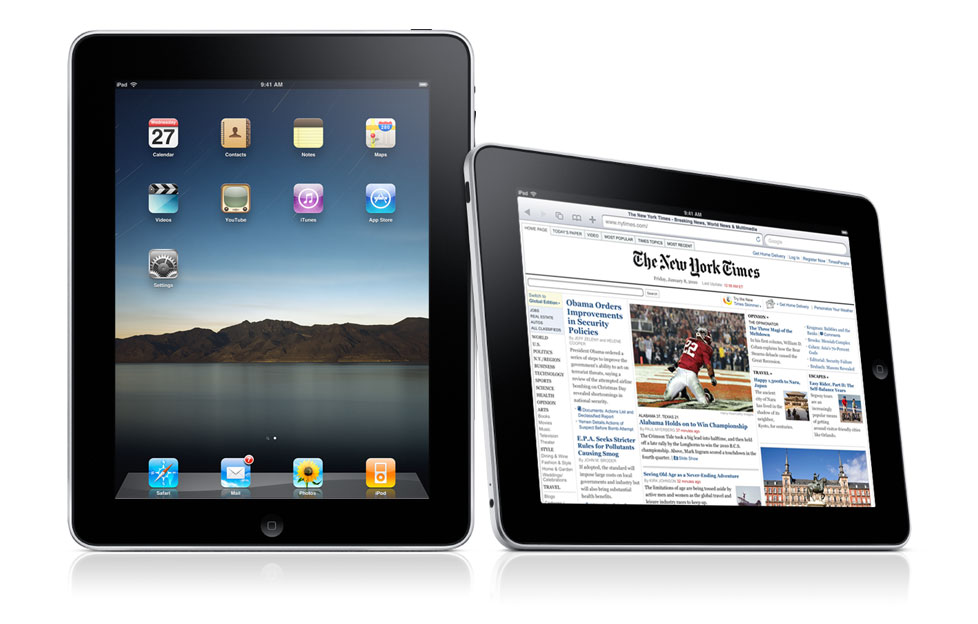 When I had a few minutes, I would leave the show floor and find a quite spot outside to sit down. During this time, I would try to write a couple of stories just to get ahead of the work I would have to do in the press room or the hotel.
The iPad was perfect for this. It’s small, but powerful enough to get the job done. I used Apple’s Pages on the iPad to write the stories and then just transferred the work to the computer when I got back to the hotel and continued writing.
Of course, I could also check email and the Web during these breaks, but writing was my main focus.
If I had an hour or so to spare between meetings, I would go to the press room, grab a coffee and sit down. While this was time off to rest to my weary feet, it was still time to get some work done.
This is when I would pull out the 11-inch MacBook Air. This is Apple’s newest computer and one I highly recommend for anyone that travels.
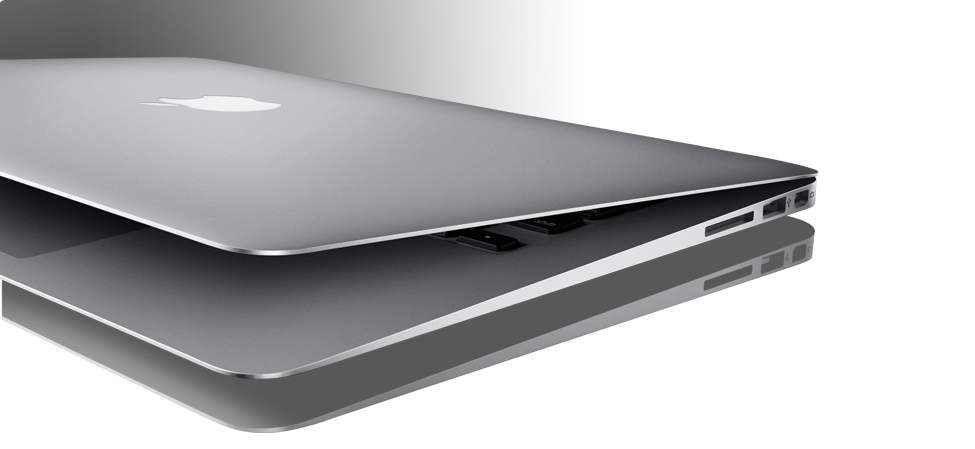 The Air’s long battery life, power, great display and compactness make it a no brainer for anyone that travels.
I would take the time in the press room to finish any stories I started on the iPad, post stories, work on photos and other tasks that I would rather do on the computer.
Some people reading this may suggest that I could have left the iPad or the MacBook Air at home and save even more weight and space. You’re probably right.
If I was on a family vacation, I may have left one of them home, but since I was working and I had a specific use for each device, I decided to take them both. They are both so light and weigh almost nothing, it really didn’t make much difference.
I now have my travel backpack ready with the perfect set of devices for traveling. I’m sure I’ll perfect it even more over the next few months, but right now the iPhone, iPad and MacBook Air is the perfect way to travel.
You can follow me on Twitter @jdalrymple