
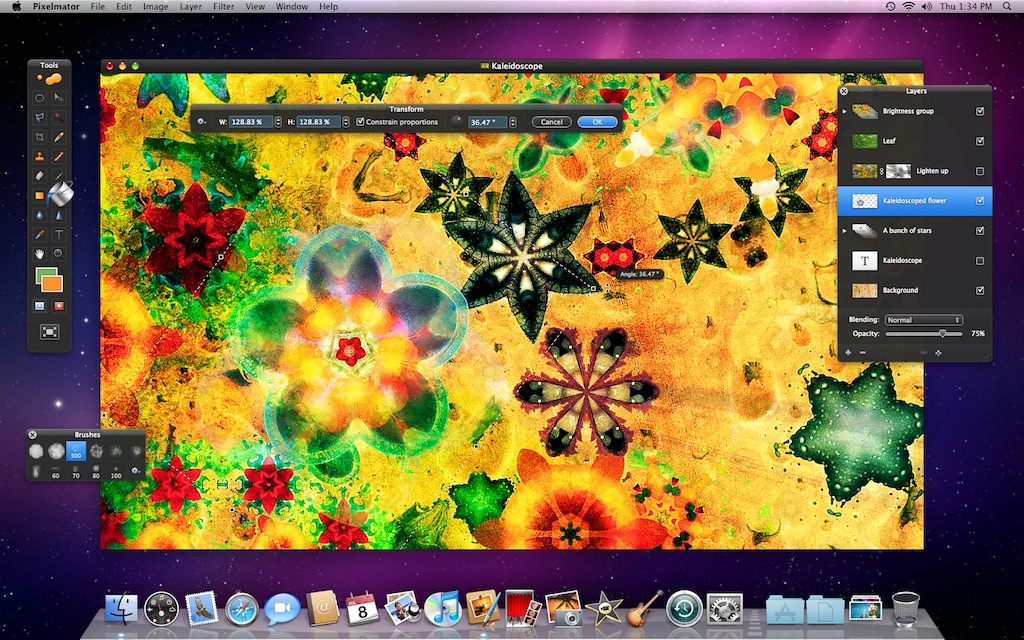
Pixelmator will release a major new version of its image editing software on July 13, adding new features and improving on many of the existing features that have made it such a popular application. Among the significant changes coming in Pixelmator 1.6 is full 64-bit architecture support, which the company says gives you “incredible image editing performance in every part of the app.” The addition of 64-bit support underscores the focus of this release for the company.
“The main focus [for this release] was quality and performance,” Simonas Bastys, co-founder of Pixelmator, told The Loop. “We want to start the 2.0 era of Pixelmator with the outstanding stability and performance. We’ve been improving that for over 2 years now and it shows.”
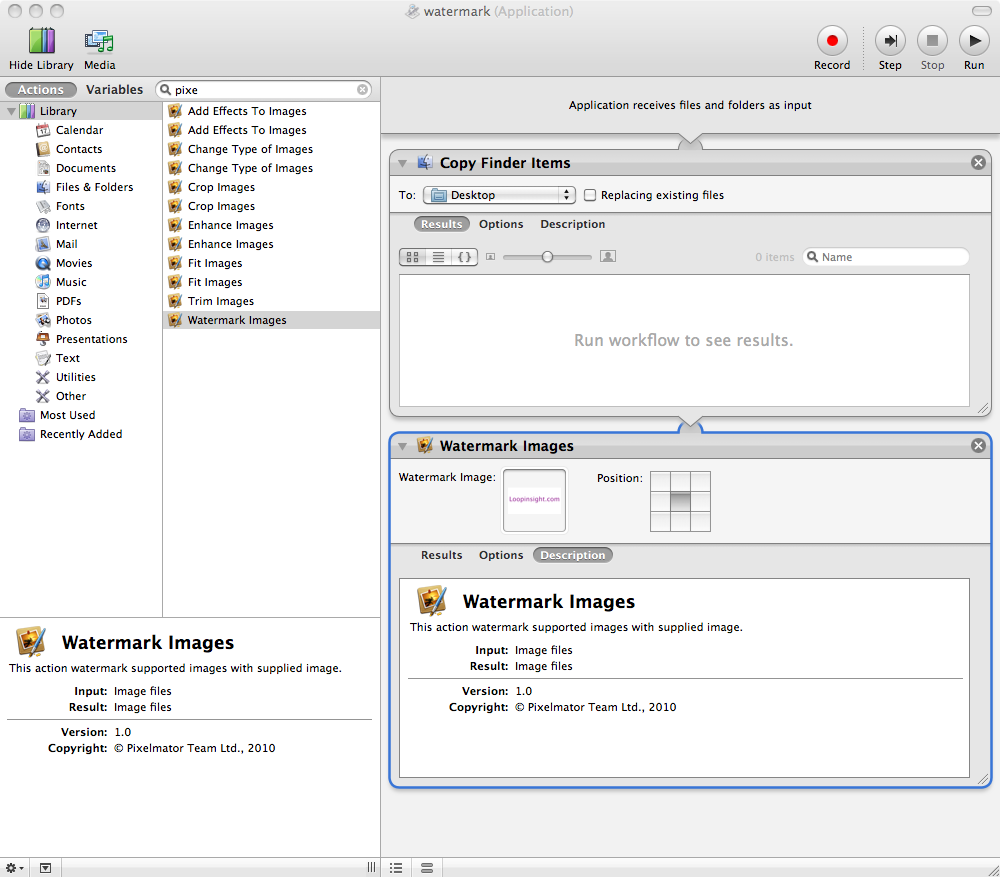
One of my favorite new features is the ability to add Automator Watermarks to Pixelmator. Automator is a tool included with every Mac system allowing the user to automate workflows.
With the integrated Pixelmator support, you can create a Watermark application or workflow directly in Automator. I’ve tried this new feature myself and it works really well. This is becoming an increasingly important feature for many users and websites.
Pixelmator didn’t leave out fans of social networking either. The new version includes the ability to publish your images to Flickr, Picasa and Facebook. Following in the same vein, Pixelmator now has the ability to import images from cameras, scanners, multifunction devices, and devices such as the iPhone.
With some of the apps core features gaining in popularity, Bastys said that they are seeing customers come to Pixelmator from other market segments and applications, including Adobe.
“Our focus is the prosumer customer,” said Bastys. “We see some improvements, not changes with each release. For example, we did the best Save for Web in 1.5 and we saw a lot of people coming even from Adobe Fireworks.”
New Layer Groups allow you to arrange your layers quickly and in a logical order and to reduce clutter in the Layers palette. There are also new transforming tools that the company said were “redesigned to be more precise and powerful yet also much easier to use.”
“No other image editing developers, except that of Adobe Photoshop (not Photoshop Elements) care so much about the quality and performance,” said Bastys. “We see opportunity here. By leveraging the latest Mac OS X technologies we are able to achieve the best stability and impressive performance.”
Pixelmator is a free update for existing users and costs $59 for new users. The update will be available on July 13.